Flip

A window switcher for macOS that gets out of the way.

Hold Command, tap Tab. Let go before you can see it and it never draws at all.

$ brew install --cask mxwnk/tap/flip

or take the disk image · quick guide · source on GitHub

macOS 14 or newer · MIT

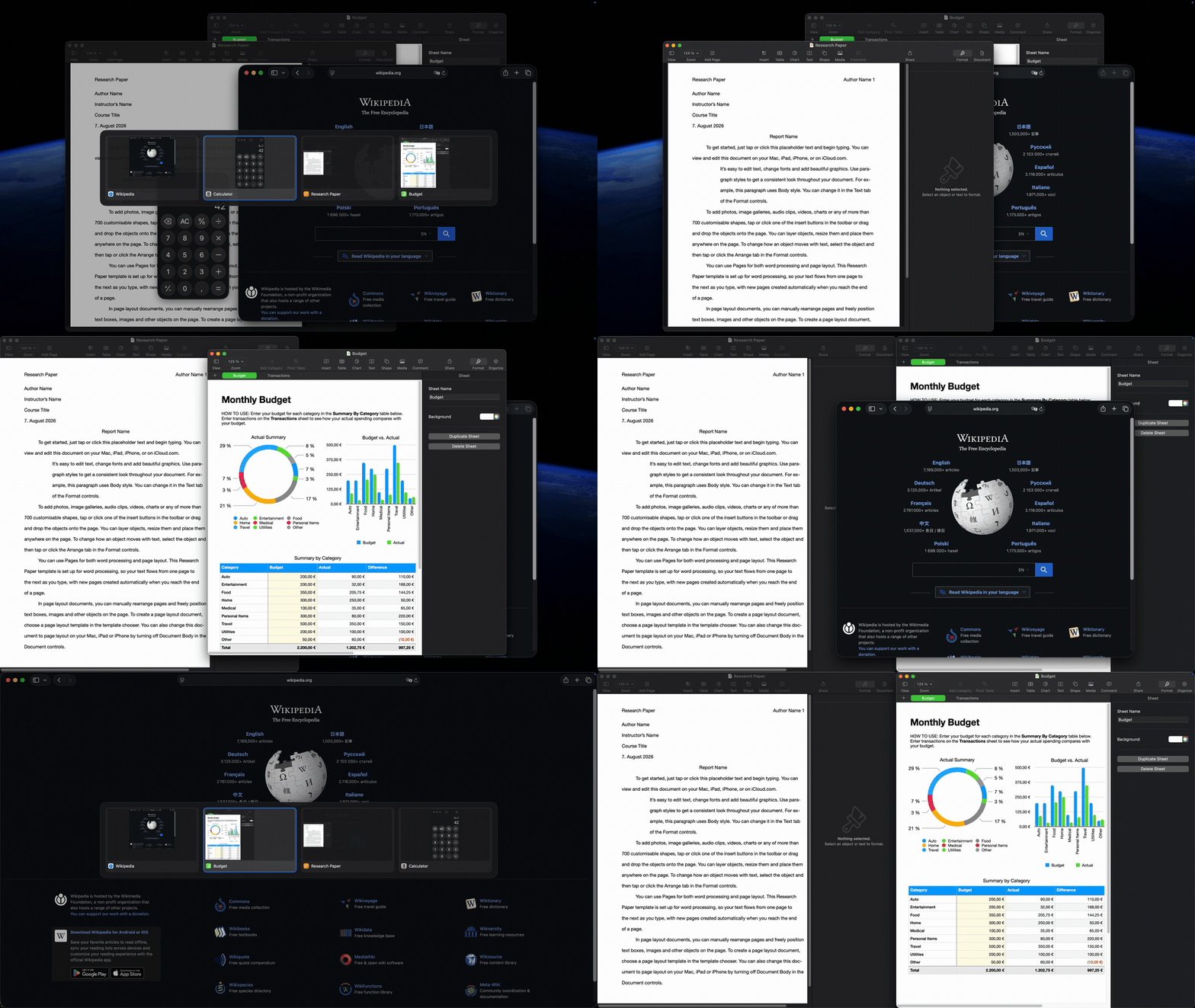
Switching windows, jumping to an application, and moving a window across the screen
Switching, jumping to an application by key, and moving a window across the screen.

Measured, not claimed

Nothing is asked for at the moment you press the key. Every number below comes from the log of a real run, nine windows open on a two-monitor machine.

6–10 ms
Opening the grid
thumbnails already captured
~1 ms
Resolving the window list
no accessibility calls
0 ms
Drawing, on a quick tap
released inside 150 ms, nothing appears

What it does

Windows, not applications

Every window on the space, most recently used first. Two documents in the same app are two entries.

Invisible when you are quick

Let go inside 150 ms and it switches without drawing anything. The selection is made either way; only showing it waits.

One key per application

⌥ F reaches the Finder out of the box. Bind ⌥ S to Spotify, ⌥ T to your terminal — press one again to walk that application's windows.

Moves windows too

Halves, quarters, filling and across to the other display, from the keyboard. Filling is a toggle.

Keyboard or mouse

Hover to pick, click to confirm — but only once you actually move the pointer, so a resting mouse never steals the choice.

Scriptable

A flip command that lists windows as JSON and focuses them by id, so the search it does not have is jq away.

Every display, if you like

The grid follows the active window, sticks to the main display, or appears on all of them at once. Your call.

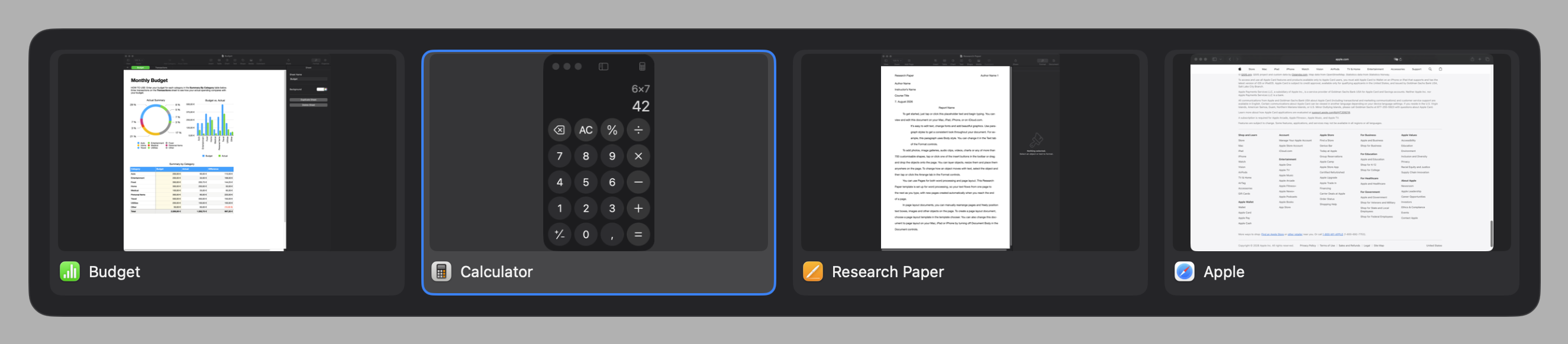
The Flip overlay: a grid of window thumbnails, one selected

Switching

⌘ Tabevery window on the current space, most recently used first
⌥ Tabthe windows of whichever application is in front
⌥ Fjump straight to the Finder — one key per application, the rest yours to choose
⌥ then a keynarrow the open grid to that application
←→↑↓escmove the selection, or give up
let go of ⌥focus what is selected, out of the Dock if it was minimised

Add ⇧ to any of those to go backwards.

Moving windows

⌃⌥←⌃⌥→left or right half
⌃⌥↑⌃⌥↓top or bottom half
⌃⌥U⌃⌥I⌃⌥J⌃⌥Kthe four quarters
⌃⌥↩fill the screen, or put it back if it already fills
⇧⌥←⇧⌥→previous or next display, keeping the window's place on it

The corners are u i j k rather than the vim keys, because those four sit as a square on a German keyboard too. The display moves share the arrows with the halves, so they carry a modifier of their own — ⇧⌥ to begin with, or ⌃⌥⌘ if that suits the rest of your shortcuts better.

How it stays out of the way

The window list is maintained, not queried

AXObserver notifications keep it current on a thread of its own, with a half-second messaging timeout per application — so an unresponsive app becomes a missing window rather than a frozen switcher. Opening the grid costs one lock and one window server call.

The event tap owns a thread and a runloop

macOS quietly disables a tap whose callback misses its deadline, and the main thread is where rendering and window server round trips live. The callback itself compares a keycode.

Panels are built once at launch

One per screen, ordered in and out rather than created. Thumbnails are captured ahead of time: at startup, and then for each window as it loses focus — which is when its contents are final and nobody is waiting.

The signature is pinned

macOS keys a privacy grant to an application's designated requirement. Flip's is pinned to one certificate and checked on every release, so Accessibility and Screen Recording survive updates instead of having to be granted again.

Installing

$ brew install --cask mxwnk/tap/flip

Flip asks for Accessibility on first run, and for Screen Recording only if you want thumbnails — turn them off and it never asks. Everything it stores is readable JSON in ~/Library/Application Support/Flip/, and the only request it ever makes is a daily check for a newer release, which can be turned off.

“Apple cannot check it for malicious software”

Flip is signed with its own certificate rather than notarised through Apple's paid programme, and macOS quarantines anything a browser downloads. Homebrew clears that for you — you only meet this warning with the disk image.

  1. Double-click the disk image and dismiss the warning.
  2. Open System Settings › Privacy & Security and scroll down to Security.
  3. Next to “Flip-x.y.z.dmg” was blocked to protect your Mac, click Open Anyway, then confirm.

Or clear it in one line, which also spares the copied application the same warning on its first launch:

$xattr -d com.apple.quarantine ~/Downloads/Flip-*.dmg

Control-clicking and choosing Open no longer works for this on macOS 26.